> For the complete documentation index, see [llms.txt](https://insidemu.gitbook.io/inicio/llms.txt). Markdown versions of documentation pages are available by appending `.md` to page URLs; this page is available as [Markdown](https://insidemu.gitbook.io/inicio/otras-guias/utilidades-cliente/menu-de-opciones.md).
# Menu de Opciones
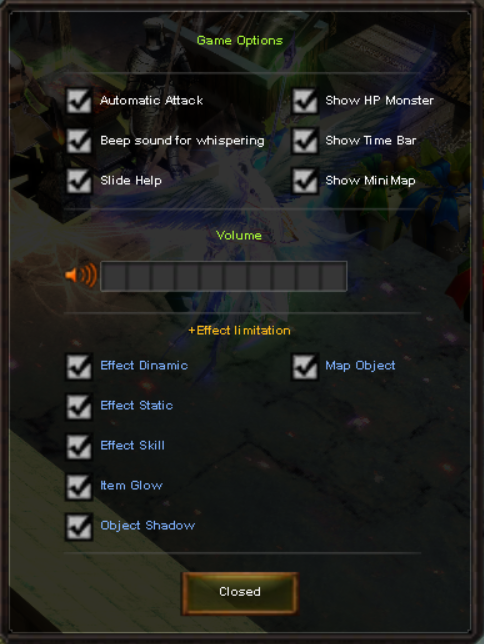
El **menú de opciones** ofrece una amplia gama de configuraciones para personalizar el cliente de juego según tus preferencias. Dentro de este menú, puedes configurar los siguientes aspectos:
* **Automatic Attack:** Atacar automaticamente a los Monsters
* **Show HP Monster:** Ver barra de vida de Monsters
* **Beep Sound:** Activar sonidos al recibir mensajes.
* **Show Time Bar:** Ver barra de horario del servidor.
* **Slide Help**: Ver mensajes de ayuda.
* **Show MiniMapa:** Ver minimapa abajo a la derecha.
* Configurar **Volumen del juego.**
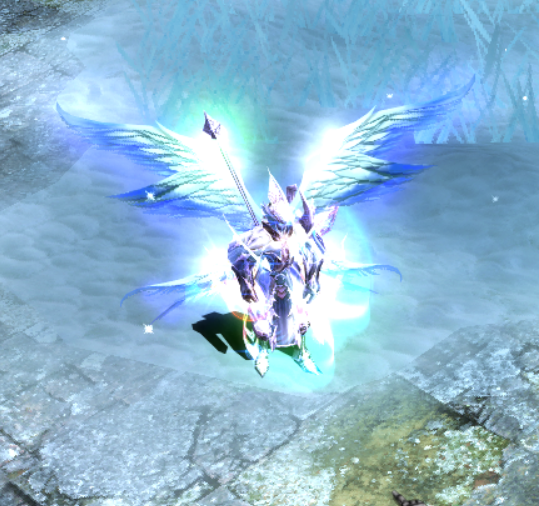
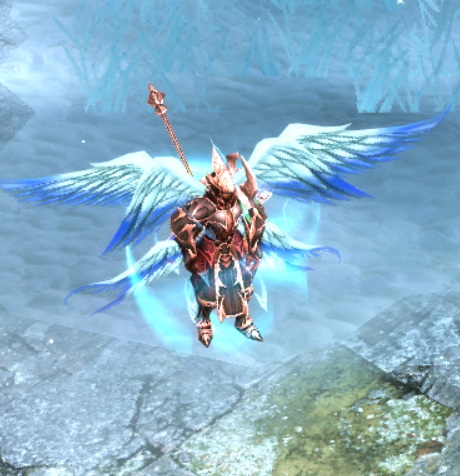
* Activar/Desactivar **efectos especiales.**